date: 2024-11-15 title: Vuepress配置feed功能 categories:
- vuepress tags:
- vuepress技巧
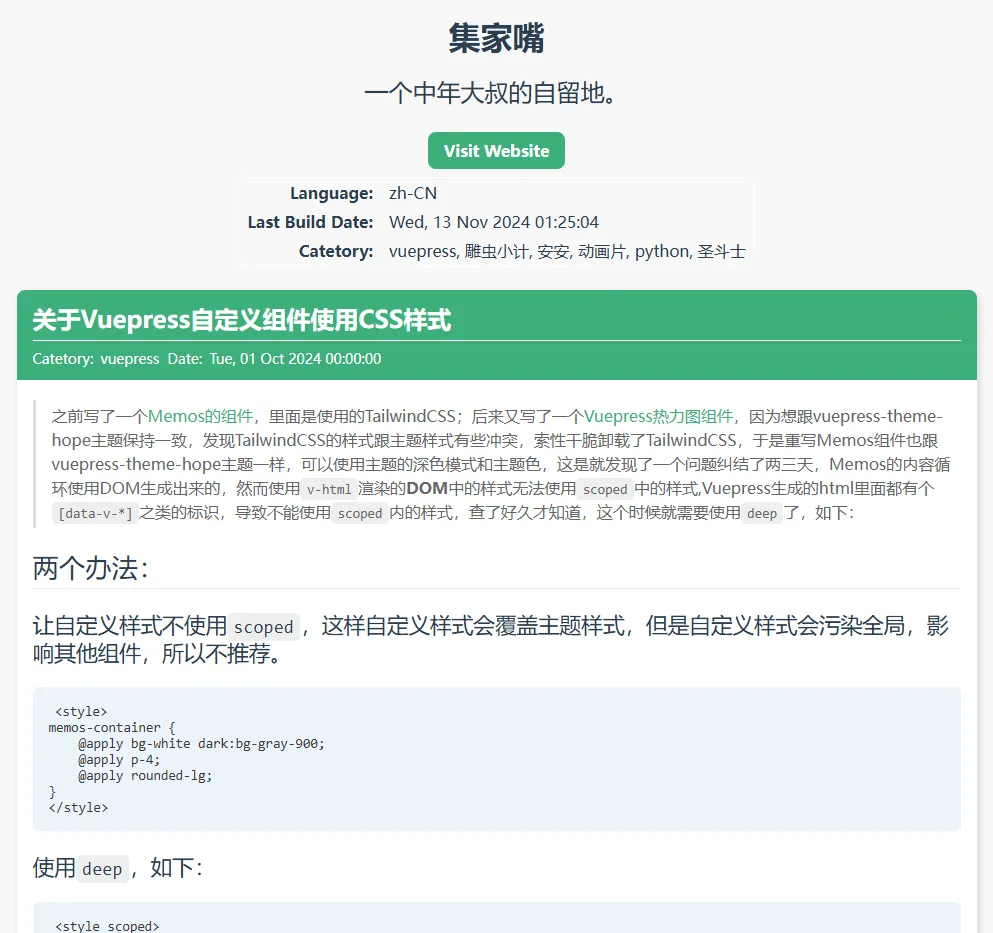
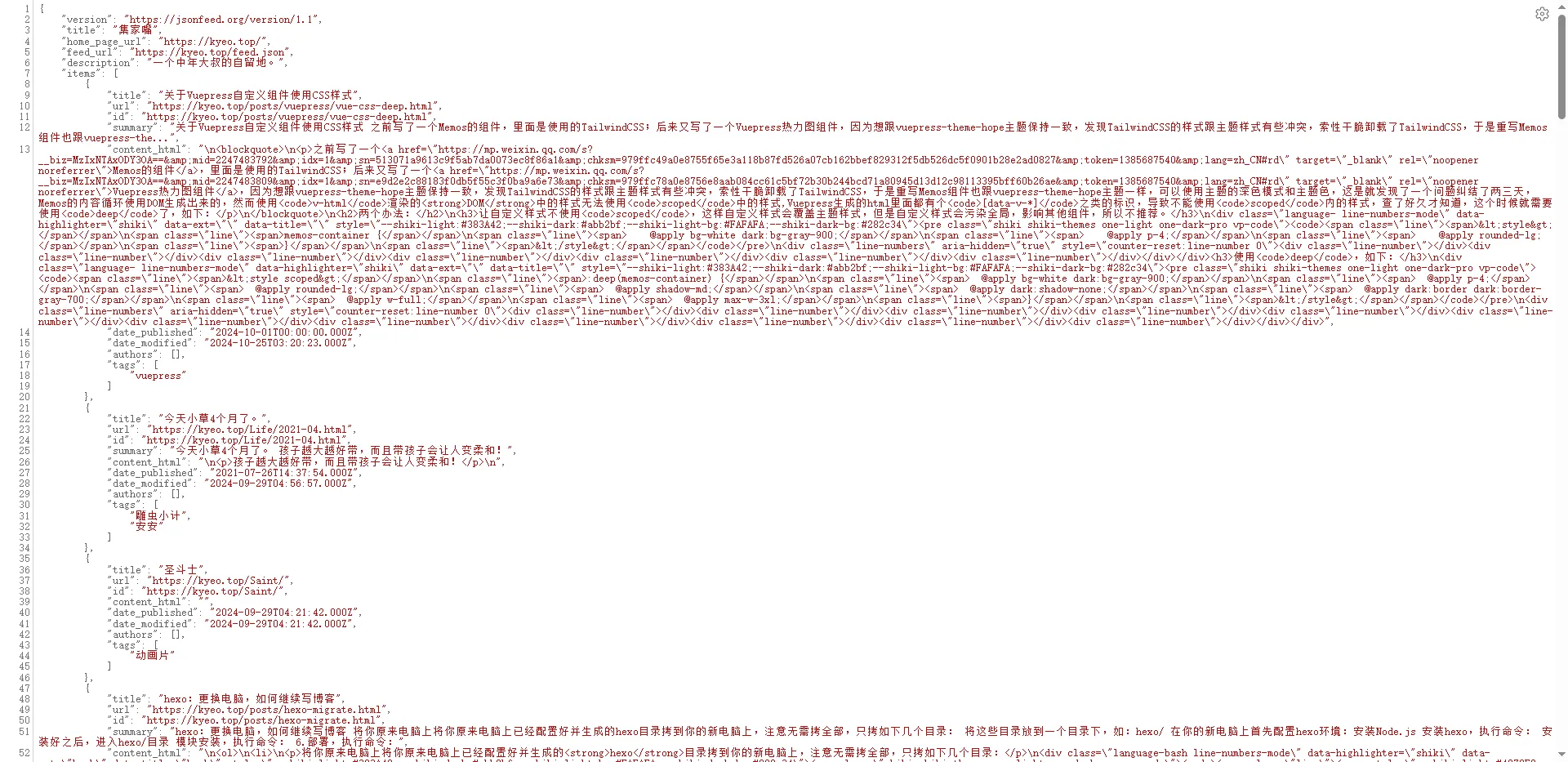
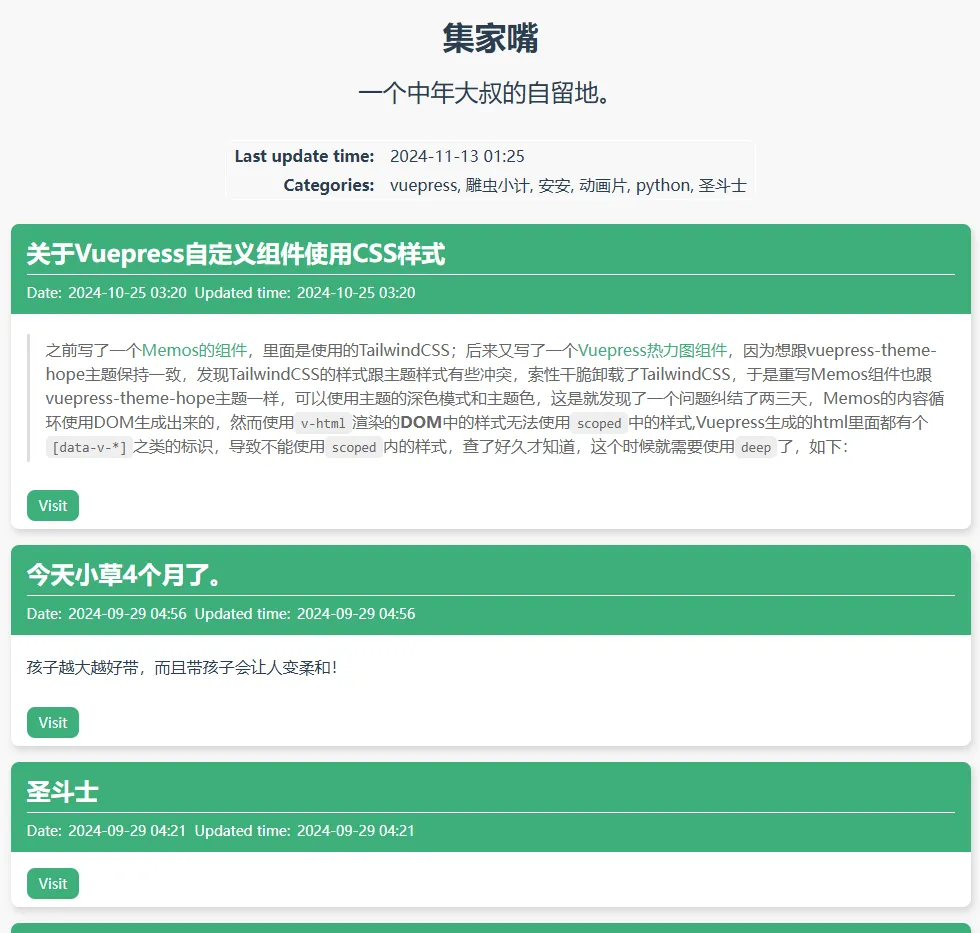
学习[VuePress Theme Hope主题的Feed支持](Feed 支持 | vuepress-theme-hope)的官方文档的时候始终不得其法,最后终于试验出来了,成功使用Feed功能。
使用方法
如果你也使用的是VuePress Theme Hope的主题的情况,可以按照我的修改的地方开通Feed功能。
安装Feed插件
pnpm add @vuepress/plugin-feed
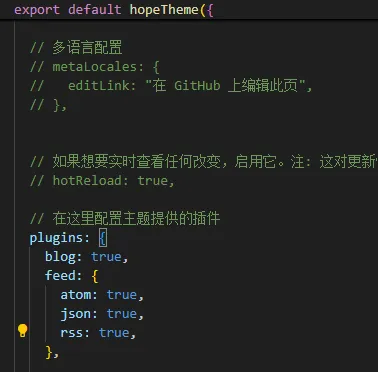
修改theme.ts
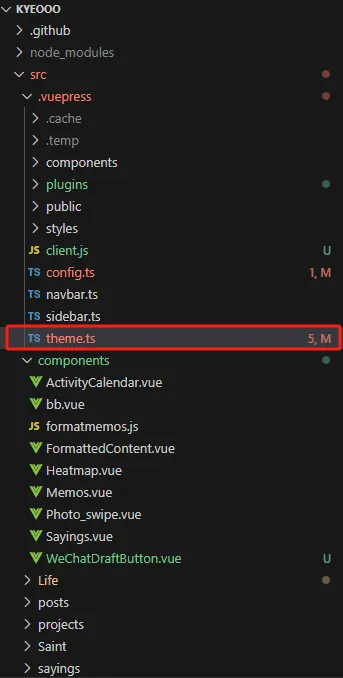
import { hopeTheme } from "vuepress-theme-hope";
import navbar from "./navbar.js";
import sidebar from "./sidebar.js";

export default hopeTheme({
  hostname: "https://kyeo.top",


  author: {
    name: "集家嘴的壳玛🐸",
    url: "https://kyeo.top",
  },

  iconAssets: "fontawesome-with-brands",

  logo: "/assets/images/0.png",

  repo: "kyeo-hub/kyeooo",

  docsDir: "src",

  // 导航栏
  navbar,

  // 侧边栏
  sidebar,

  // 页脚
  footer: '',
  displayFooter: true,

  // 博客相关
  blog: {
    description: "庐山五老峰童虎的弟子",
    intro: "/intro.html",
    medias: {
      GitHub: "https://github.com/kyeo-hub",
    },
  },

  // 在这里配置主题提供的插件
  plugins: {
    blog: true,
    feed: {
      atom: true,
      json: true,
      rss: true,
    },
  },
},
  { custom: true },
);